
One calendar for every kid
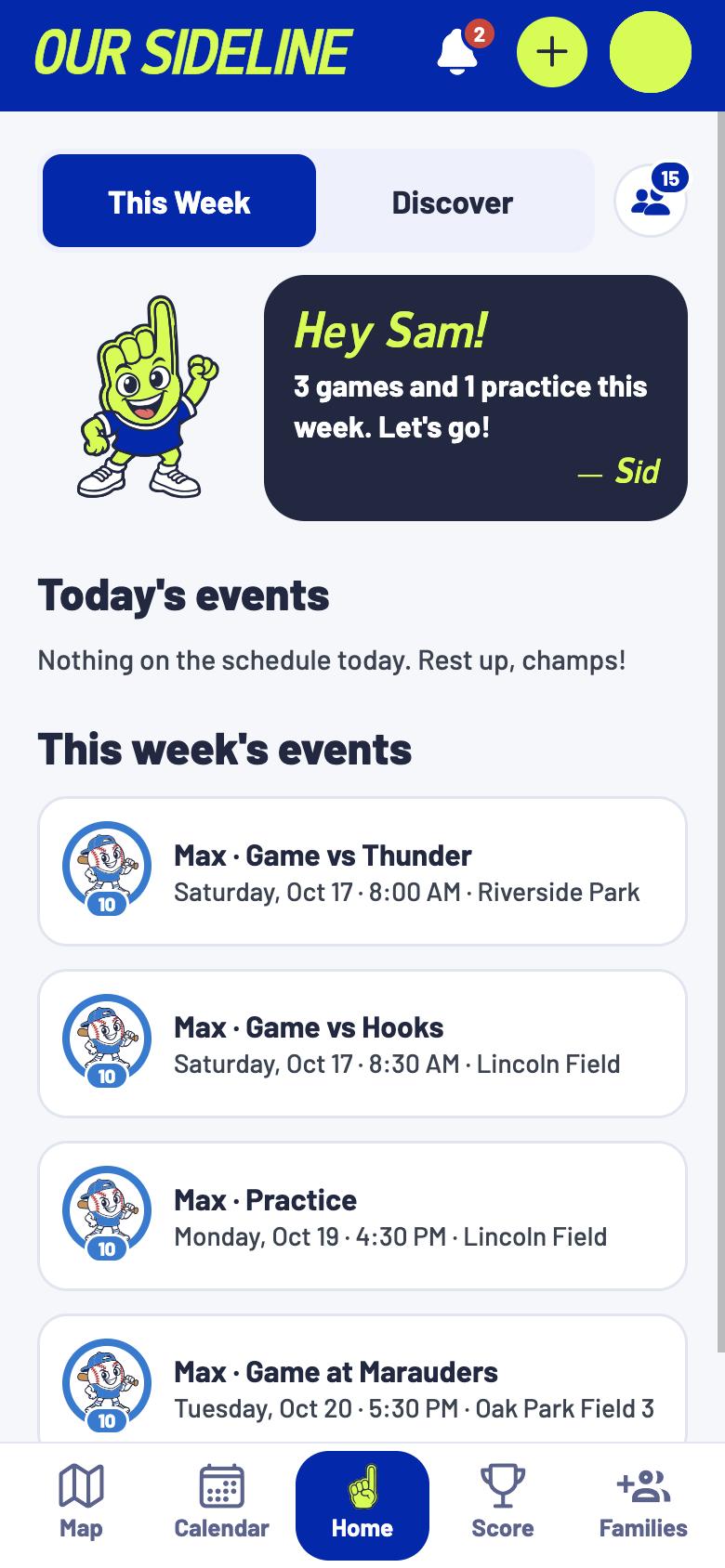
Every sport and season, side by side.
The family sports calendar for iPhone, shared with everyone who cheers.
Coming soon to the App Store

The problem
The schedule lives in a group text, and everyone keeps asking.
Sid adds your kids’ schedules, and friends and family see every game themselves.
Carter Family & Friends ›
How Sid’s Quick Add works
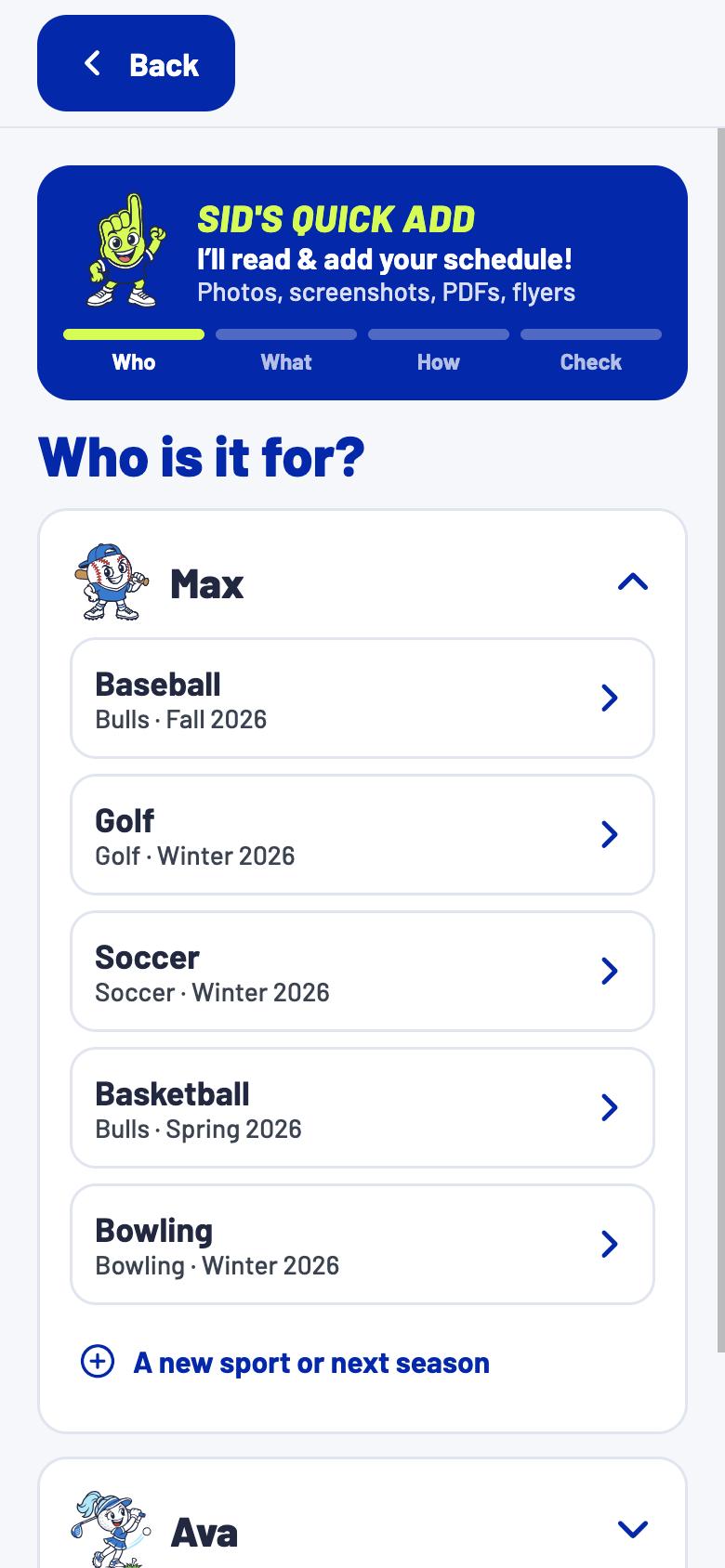
Pick the kid and the team.
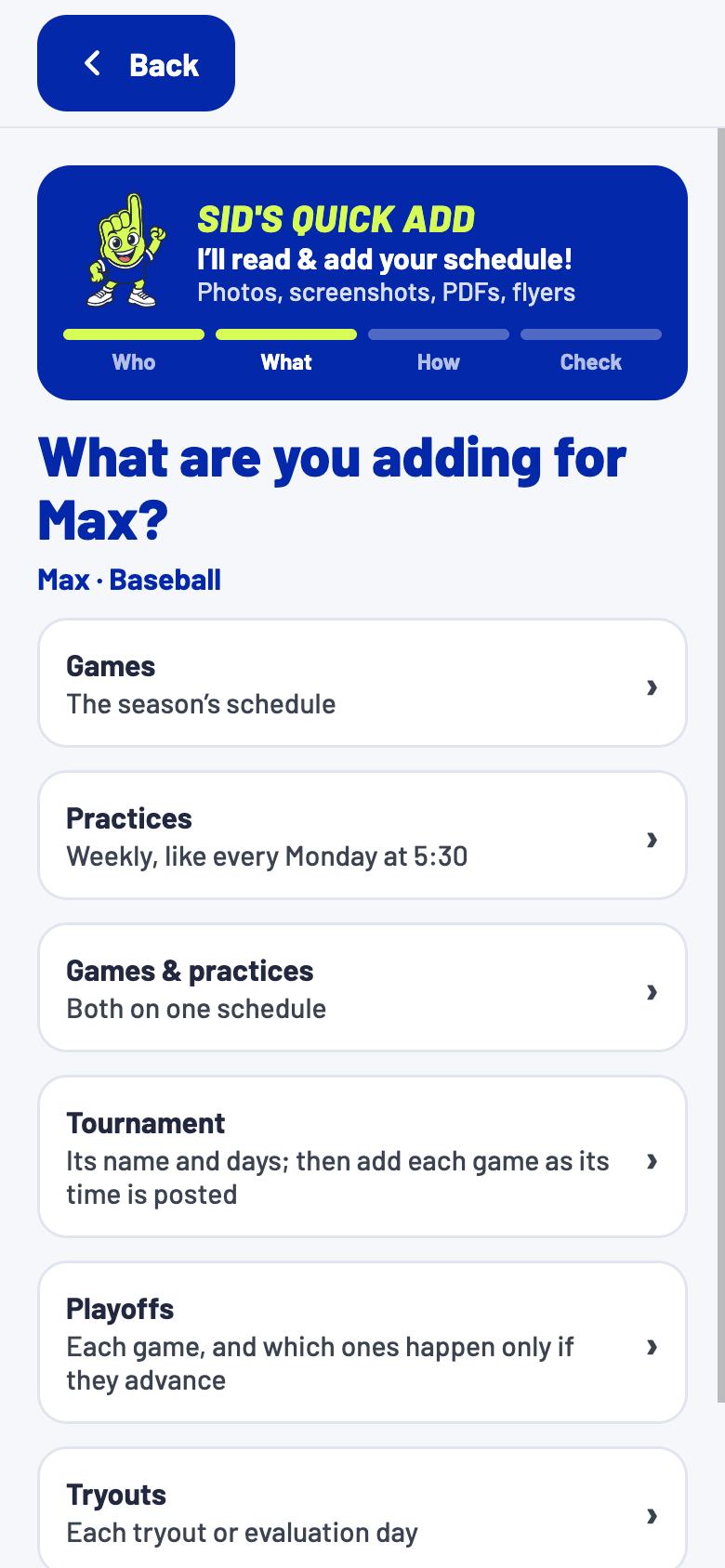
Games, practices or a tournament.
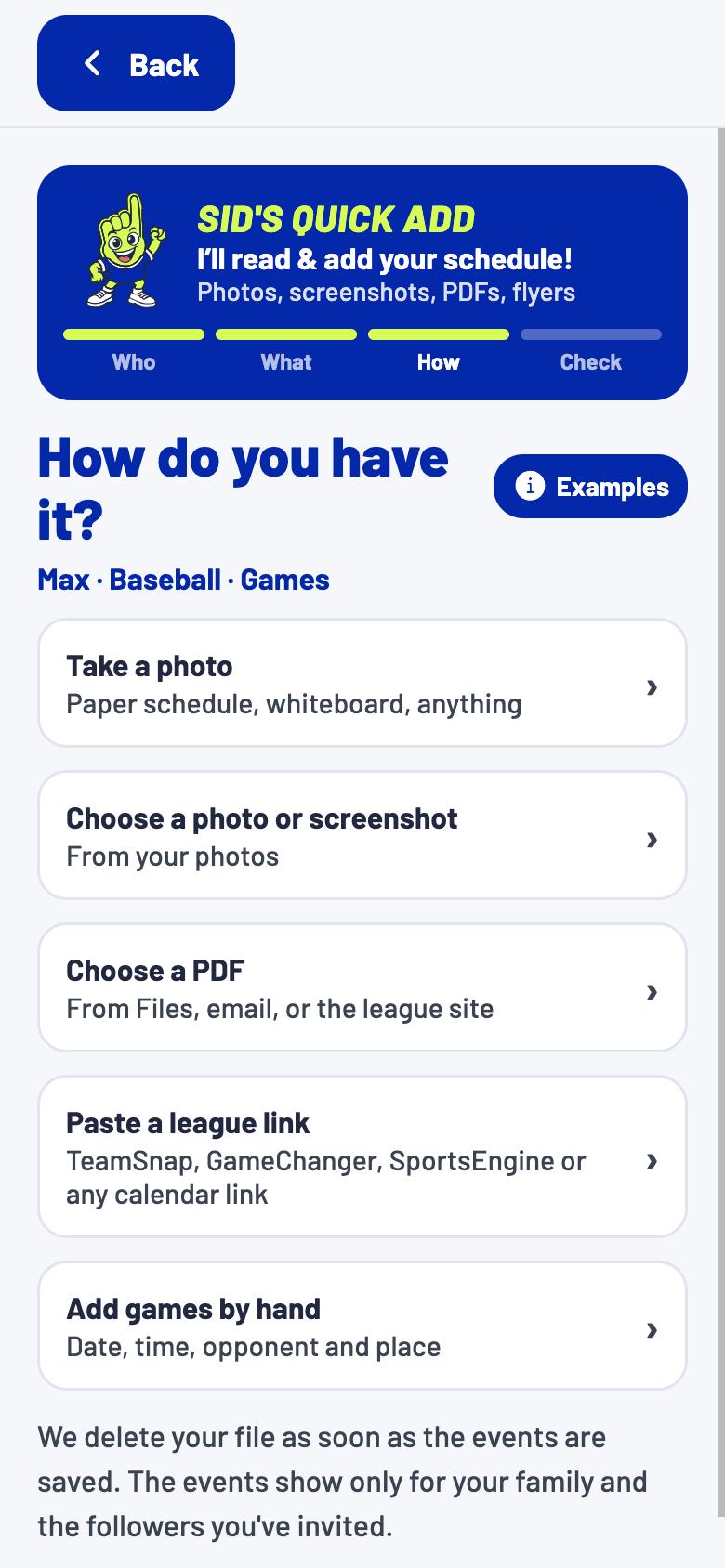
Snap a photo, screenshot or PDF.
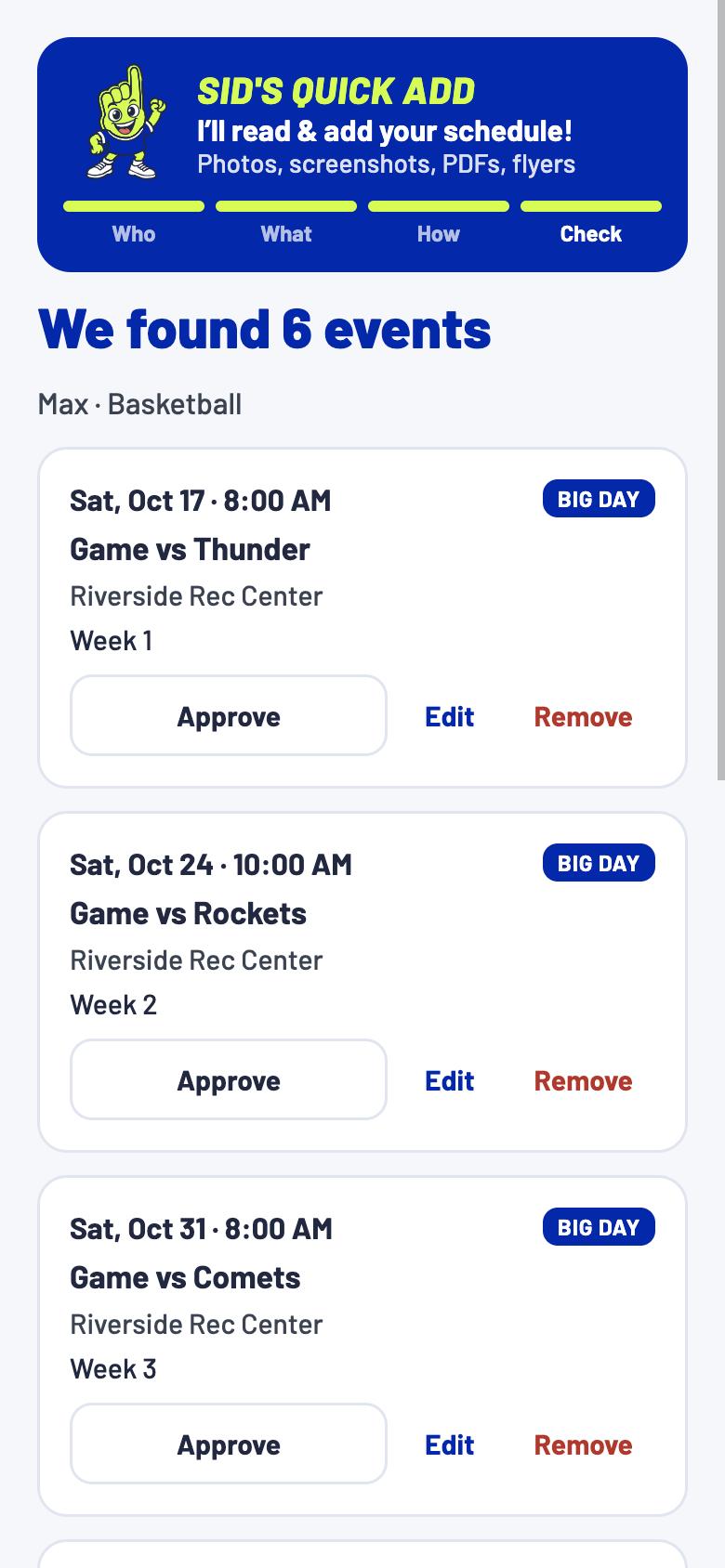
Approve each game Sid found.
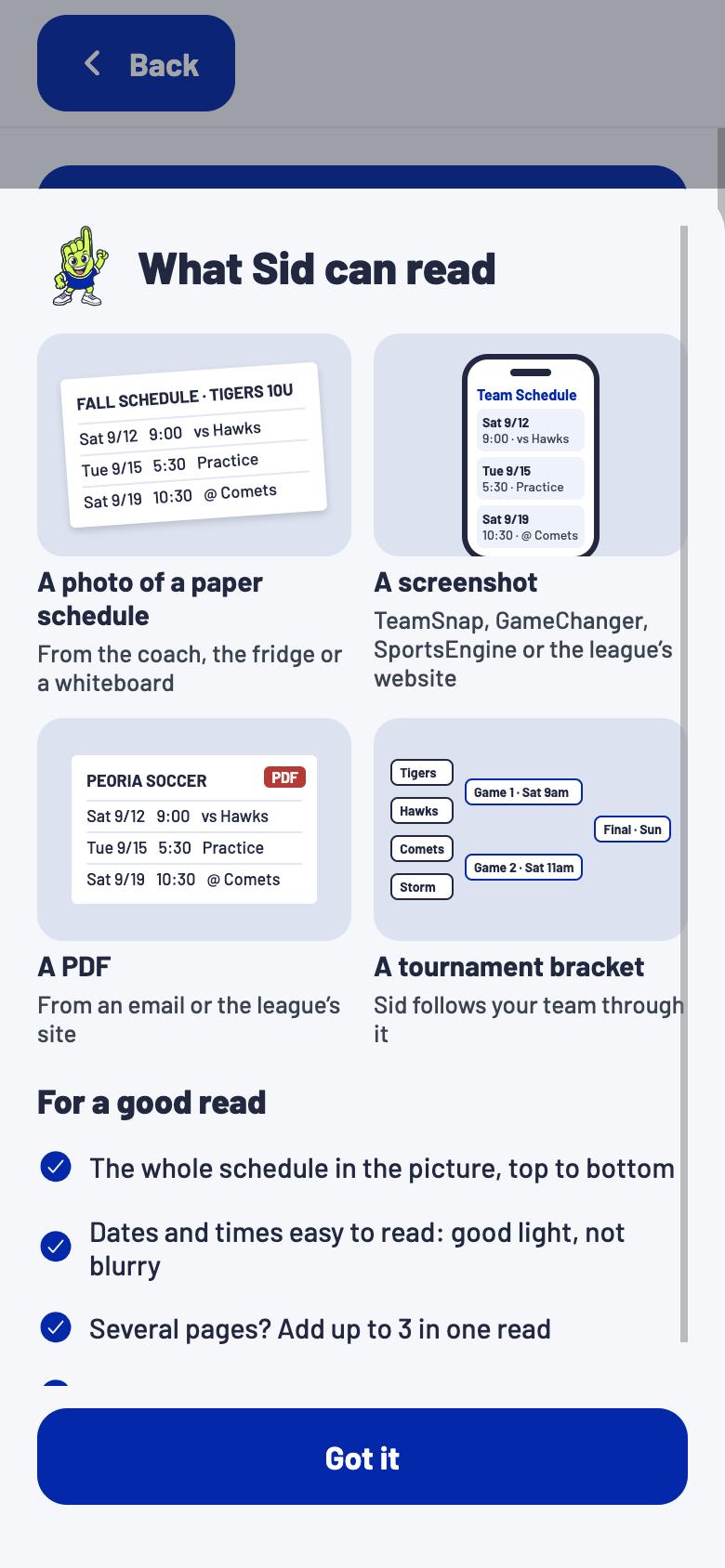
Paper schedules, screenshots, PDFs and brackets, up to 3 pages at a time.
Take a look inside
Highlights
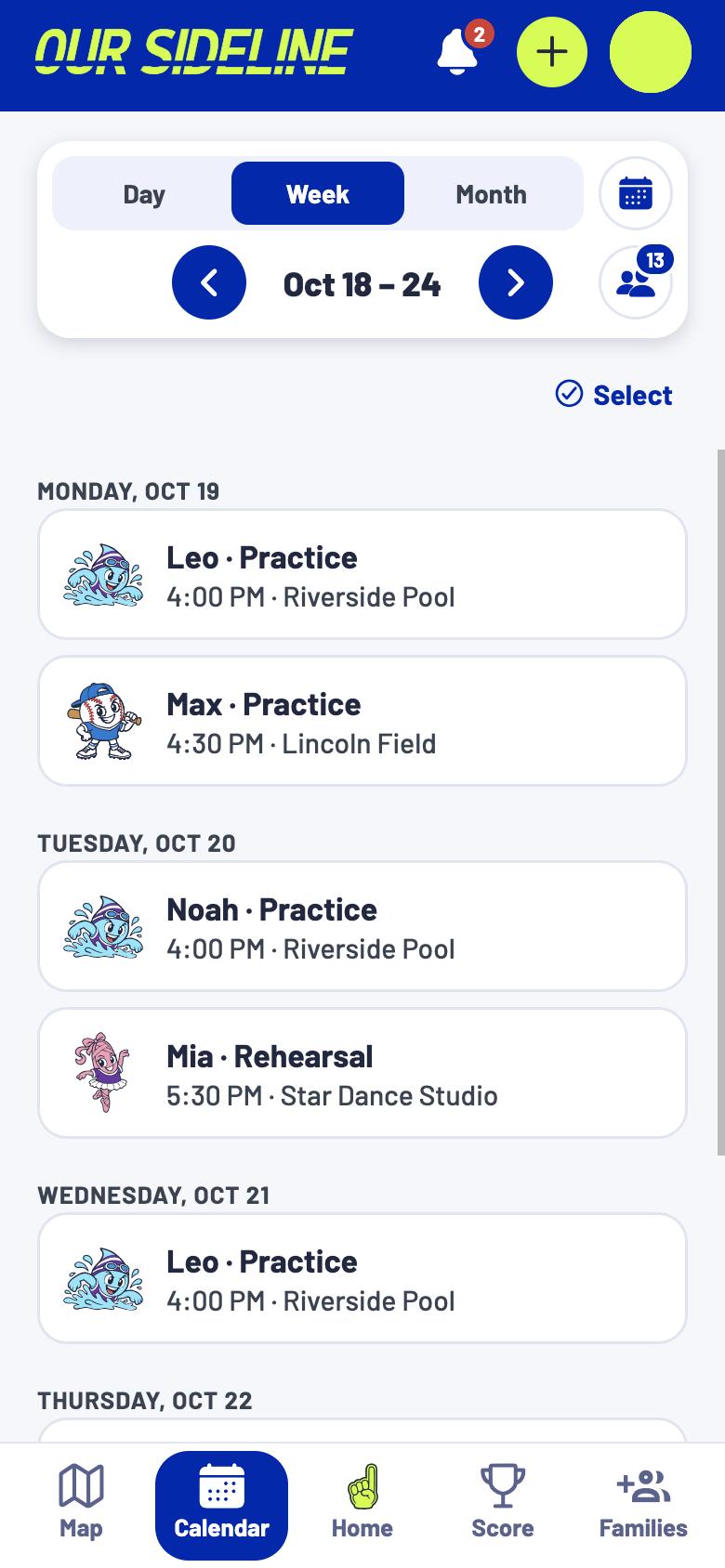
Every sport and season, side by side.

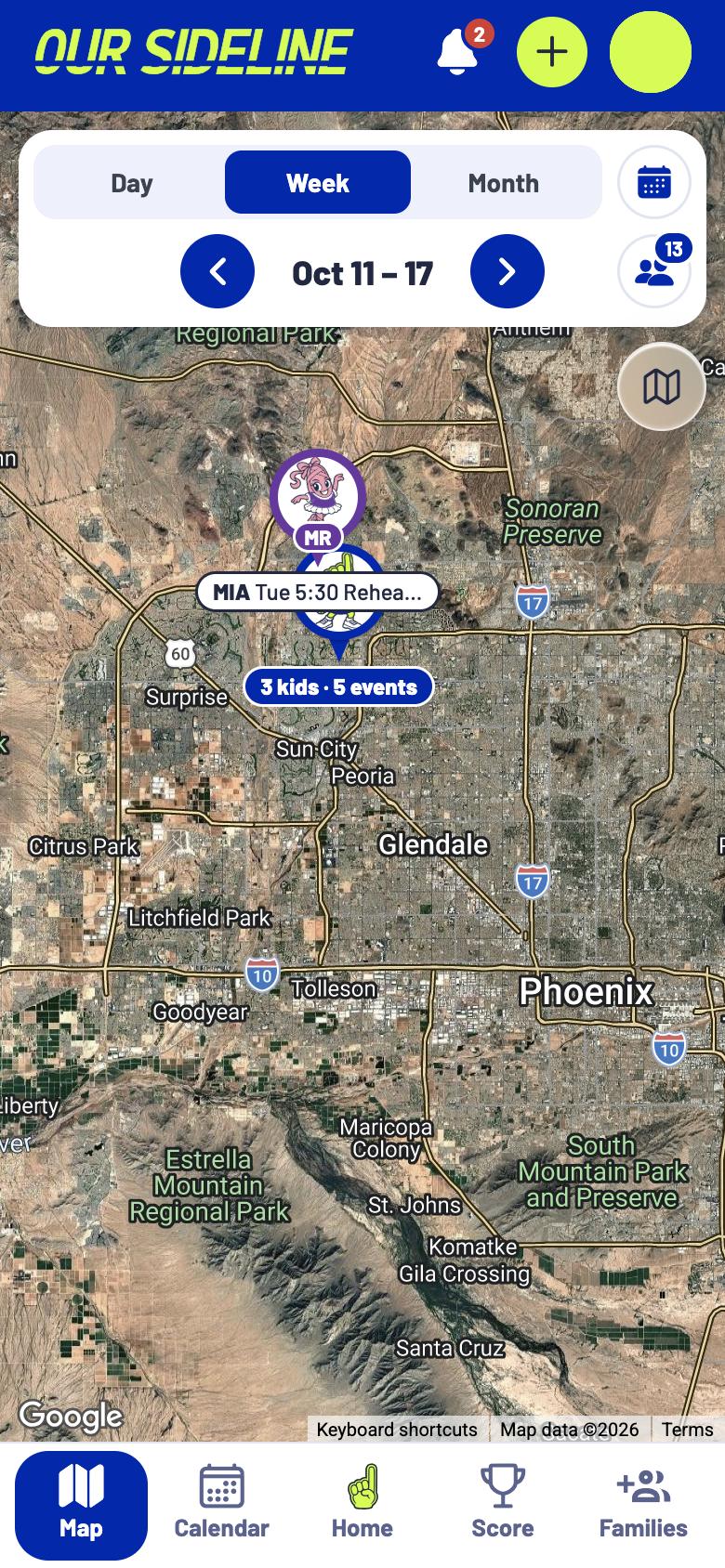
Each kid gets a pin, with directions a tap away.

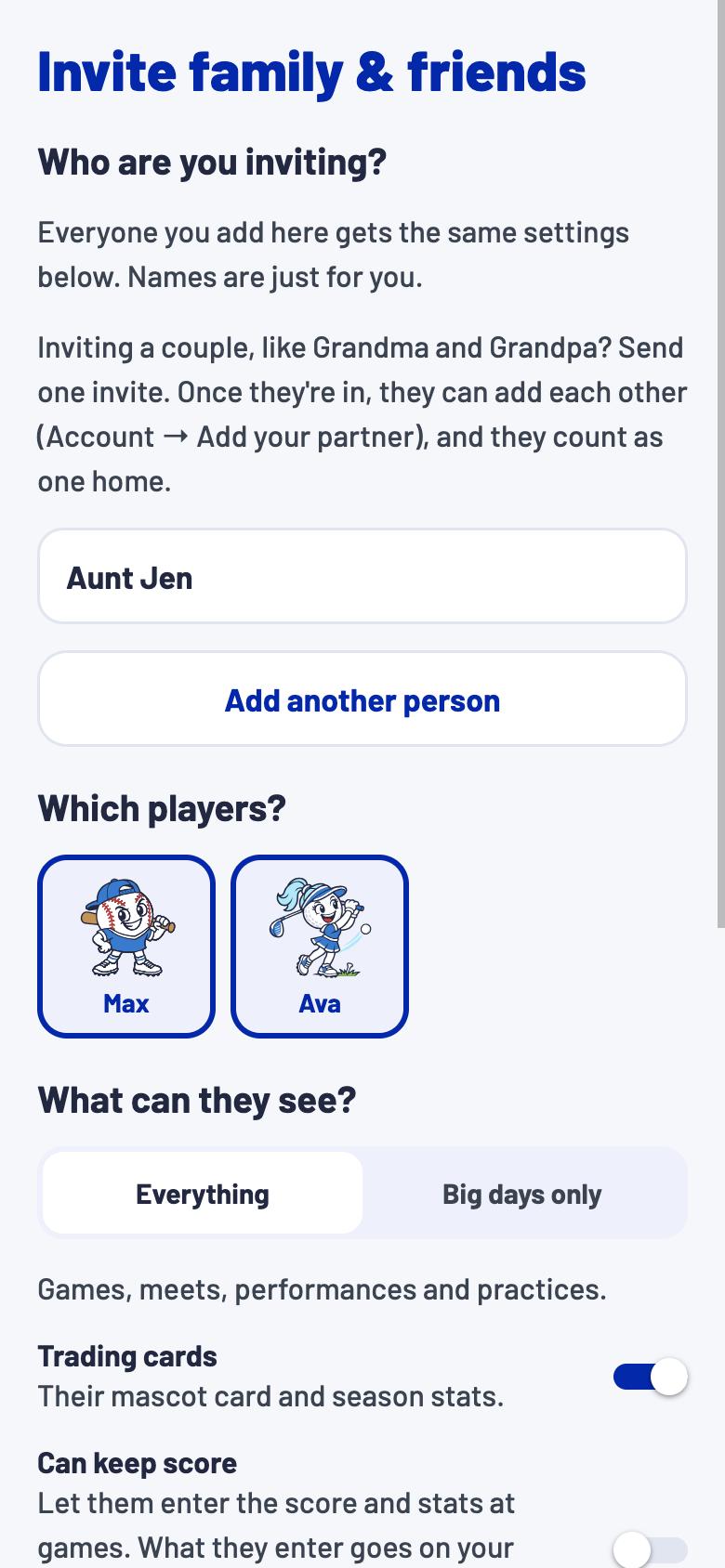
You choose what each person sees.

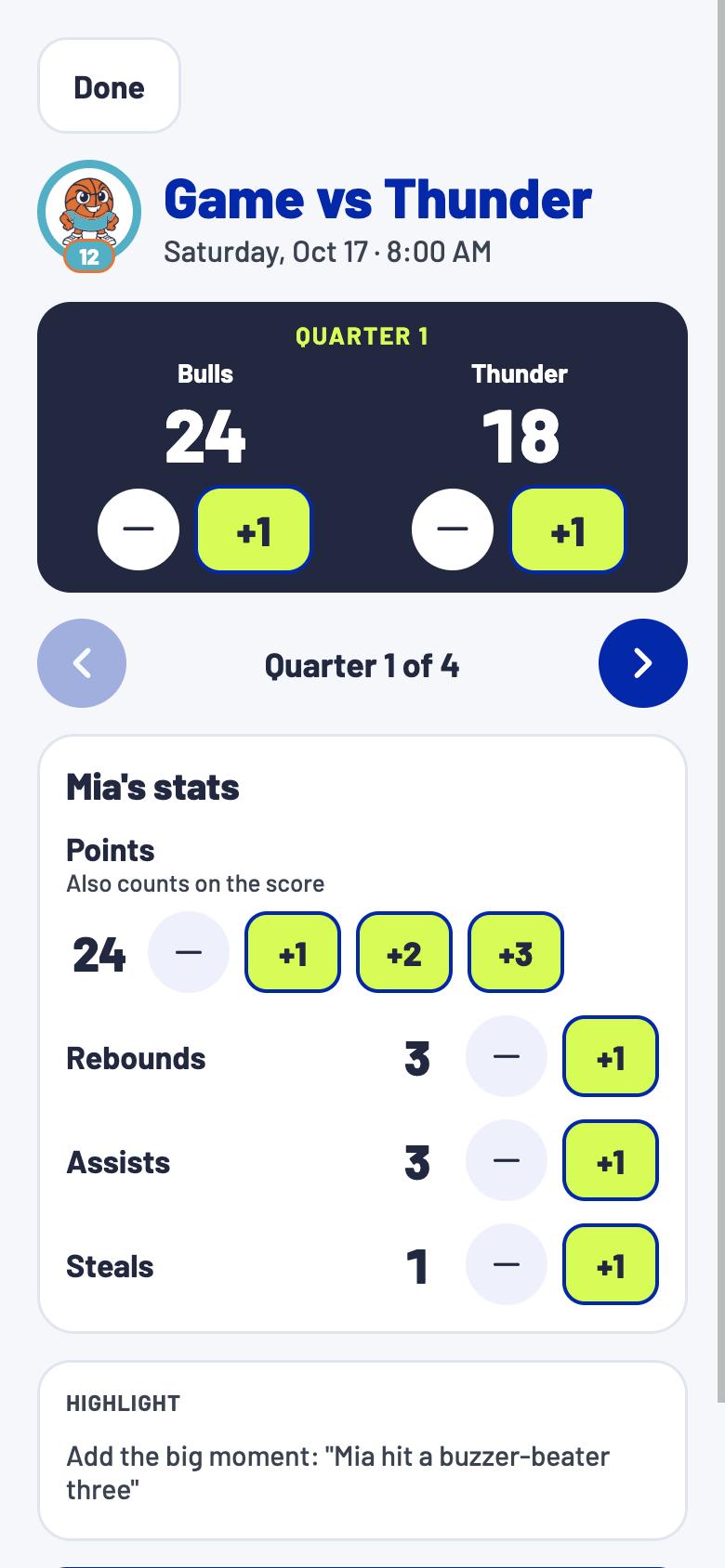
Everyone who couldn’t make it follows live.

A note when a game moves or gets cancelled.

Who’s going, which jersey and where to park.
Every season
BaseballSoftballSoccerBasketball Football
 VolleyballHockey
 Swim
Swim Tennis
 GolfDance
Private by design
Only the people you invite can see your kids’ schedule.
About us
An Arizona company building the family sports calendar.
Contact: hello@oursideline.com